

The right tool matters. It’s not a hard requirement for creative work (of course not), but you can feel the importance of having the right tools if you’ve ever used the wrong one (or a broken one).
So this is a curated list of my absolute favorite creative tools. These are the things I use to make music, art, blog and grow multiple micro-sites and mini apps.
I’m a multi-passionate creator and my toolbox is everything to me.
But let’s wrap up this chit chat and just get to it!
Table of Contents
Hey there, just a heads up some links in this post may be affiliate links, which earn me a small commission. This is at no extra cost to you, but helps me keep the lights on. Thanks for your support!
What Are Creative Tools?
Creative tools are resources, software and technology that boost creativity and/or make creative processes more efficient.
They are essential assets that every modern creator can benefit from having in their bag.
Are Creative Tools Necessary? (the benefits)
Creative tools improve your workflow, increase efficiency and optimize your creative output.
While you don’t need every new shiny thing that hits the market, having even just a few (of the most relevant ones) can make all the difference.
So here are some of my favorite perks of leveraging the right tools for creativity:
I save time
I get more done :]
I learn new modern creative skills
I get through creative blocks better
I unlock more ways to express myself
I stay current/competitive with new tech and trends
10 Best Creative Tools (that I freaking love)
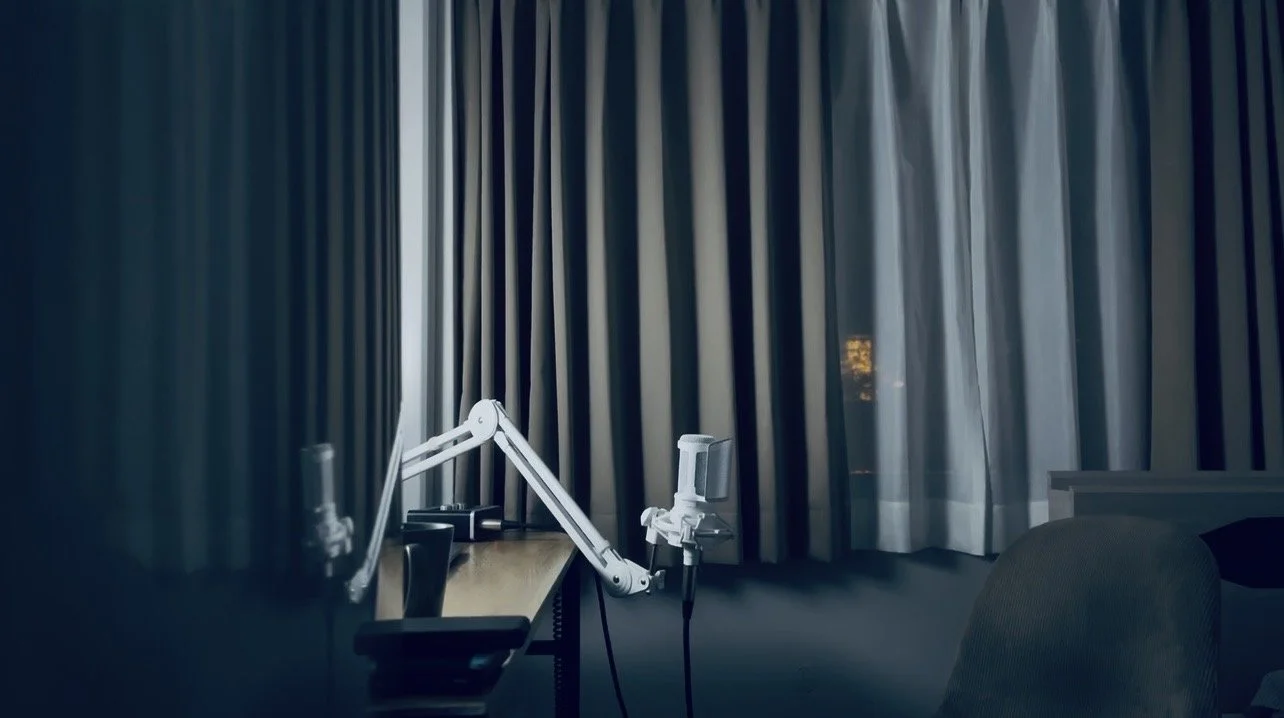
(my moody desk outside Tokyo)
1. A Little Bit of AI…(not for creativity)
AI is cool…for doing my digital laundry.
But when it comes to the creative act, I prefer to keep that. I like my messy, sometimes slow, very human creative process. It’s the whole point.
The process is the art.
Anyways, I won’t get into the role of AI in creativity here, but I do think, as creatives, we can benefit from playing with some of the features.
As my favorite Japanese proverb goes: “The bamboo that bends is stronger than the oak that resists.”
How AI could help for creatives:
Automating boring clerical tasks
Streamline non-creative processes
Summarizing data and spotting patterns
Quickly explore new concepts or long reports
To help identify issues and provide suggestions (like a chatbot sitting in my DAW telling me which track is too wide?? …sounds kinda cool 🫣)
Price of AI (free options)
Besides the price of your soul, you can use AI for free! Here are some I use (or they’re sitting on my radar):
Claude (mostly for random nuanced questions, like how do I reverse a clip in DaVinci)
LANDR (mastering demos)
Output Co-Producer (haven’t tried, keen to)
Cursor (IDE) (build yo’self some custom tools)
heyclicky (haven’t tried, keen to)
I try to keep my AI toolkit minimal. And most weeks, I don’t touch it. I’m not anti, but I do feel kinda dirty using it too much, especially when I think about the ethical issues (like tech companies stealing artist works to train models).
2. A Website or Portfolio
A website is your digital address. Your hub.

Image source: https://www.squarespace.com
As a modern creator, it’s hard to justify not having a website or portfolio. They’re simple to set up and can be done affordably.
A website basically serves as a main hub for your brand.
It’s a platform that you have 100% control over and boosts your professionalism, creative image and brand authority.
Plus, they’re super fun and creative to set up and design.
Most website builders will have plug-and-play templates you can work from. So you don’t need to worry about learning any advanced tech or coding skills.
But here are some other benefits.
Why A Website Is Useful for Creatives
It’s an organic traffic engine (through personal blogging)
It’s your portfolio to showcase and share your work or current projects
It’s a place to capture emails and build an email list
It’s a place for people to contact you
It’s a central location to share with people, which links out to all my other platforms
Price of A Personal Website or Portfolio (free options)
You can grab a basic website for free these days, but paying for a custom domain is something you’ll definitely want to invest in eventually.
I use Squarespace for my website, blog and portfolio. I love it for its simplicity, aesthetic look and sheer power.
Explore more:
➤ 6 Best Website Builders for Artists + Creatives
3. A Journal
Journaling is pretty cool for self reflection (or cathartically venting to a dead tree).

A couple of the core themes for my blog are mindset and self development.
So naturally, journaling makes this list as one of my favorite creativity tools.
A journal is perfect for periodic brain dumps, working through new ideas and reflecting on habits, beliefs and goals.
I like to use writing as a creative outlet, but there are many other secondary uses.
Why Journaling Helps Creatives
Brainstorming for new blog topics or creative ideas
As a sort of cathartic release
For creative self reflection
For mindset development
For writing out creative ideas (such as lyrics) – the old school way
Price of Journaling (free options)
Journaling can be done very cheaply – free even. Buying an actual journal definitely has some perks, as they tend to add more intention to the whole process of mindset development.
But either way, a personal journal is a great creativity tool to keep in your bag.
4. Canva
I use Canva everyday for most of my design jobs.
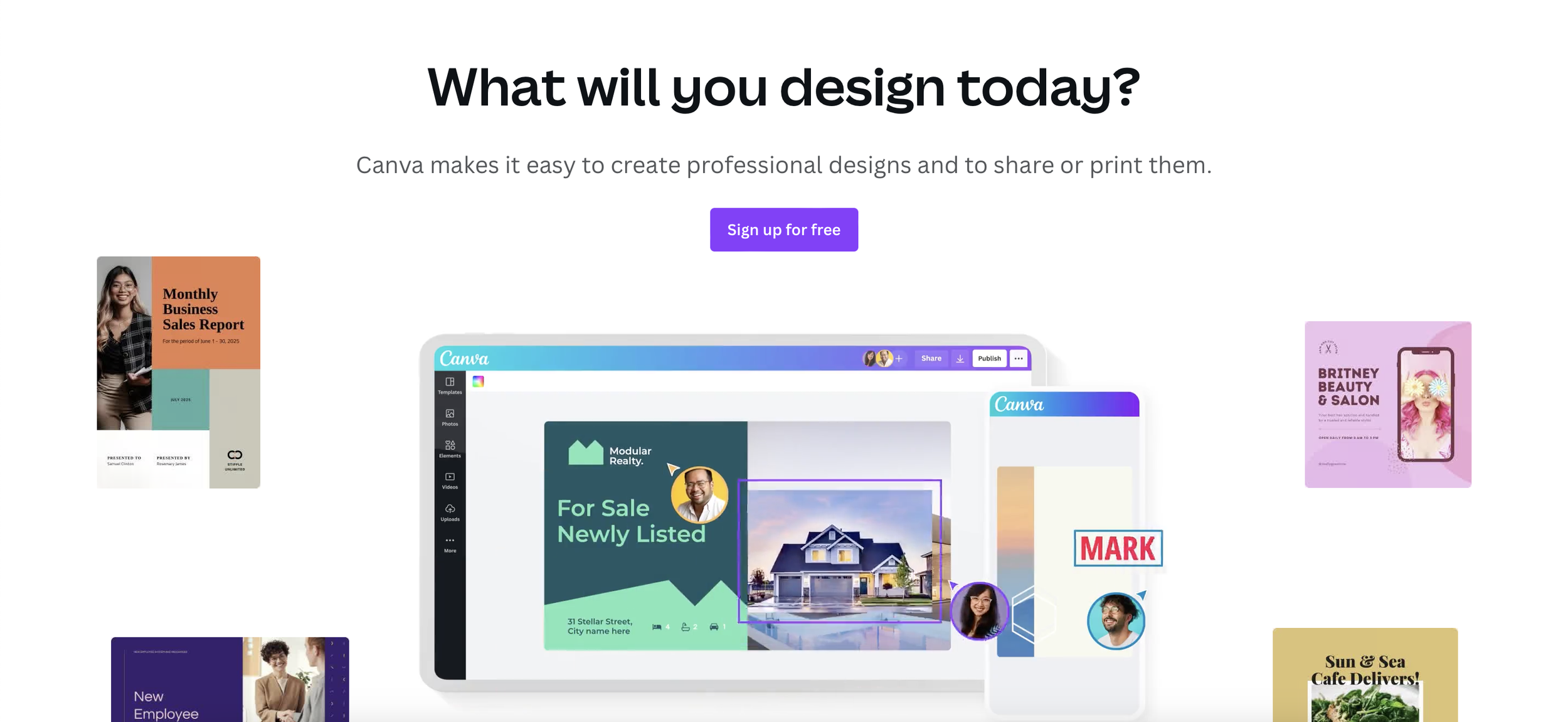
Image source: https://www.canva.com
Canva is the perfect one-stop shop for simple (or more involved) design jobs.
It’s intuitive, user-friendly and you don’t need a design background to make awesome things.
You can make anything (social media posts, logos, posters, ebooks, PDFs…etcetera).
It’s probably one of the most used tools for creators.
Why Canva Is Useful for Creatives
Plug-and-play social media templates
Quickly make graphs and charts (for your blog, for example)
Make logos and other brand creative assets
Create product photo mockups (for example, Etsy listings are simple to make here)
Price of Canva (free plan)
Canva is free to use.
They do have a premium plan with more creative elements, assets and features to use. I’ve tried this upgrade before and it was worth it. But the free plan is enough for most simple jobs.
Grab a free Canva account here!
5. Google Docs
Google is amazing for collaboration, writing, drafting and file sharing.

Image source: https://www.google.com/docs/about
I use Google Docs a lot. It’s simple, convenient and great for sharing.
Plus Google has a ton of cool AI tools, like their new Antigravity IDE (integrated development environment) for vibe coding. So this is definitely a tool worth your time.
Google’s a household name for a reason. And their tools are my boring (but powerful) solution to organizing my creative chaos (writing, planning…outlining more half-baked projects).
Why Google Docs Is Perfect for Creative People
It’s perfect and easy for outlining blogs and writing drafts
It’s a great collaboration tool with simple and customizable file sharing options
I like to use my Docs for tracking and organizing all of my keyword research and SEO strategy
Upcoming AI functionalities will 100x creative efficiency
Price of Google Docs (free)
Google is completely free to use. You just need to sign up for an account.
If you’re looking for more premium options (such as larger storage options and a custom email), you can upgrade to Google Workspace.
6. Notion
I use Notion for project organization.
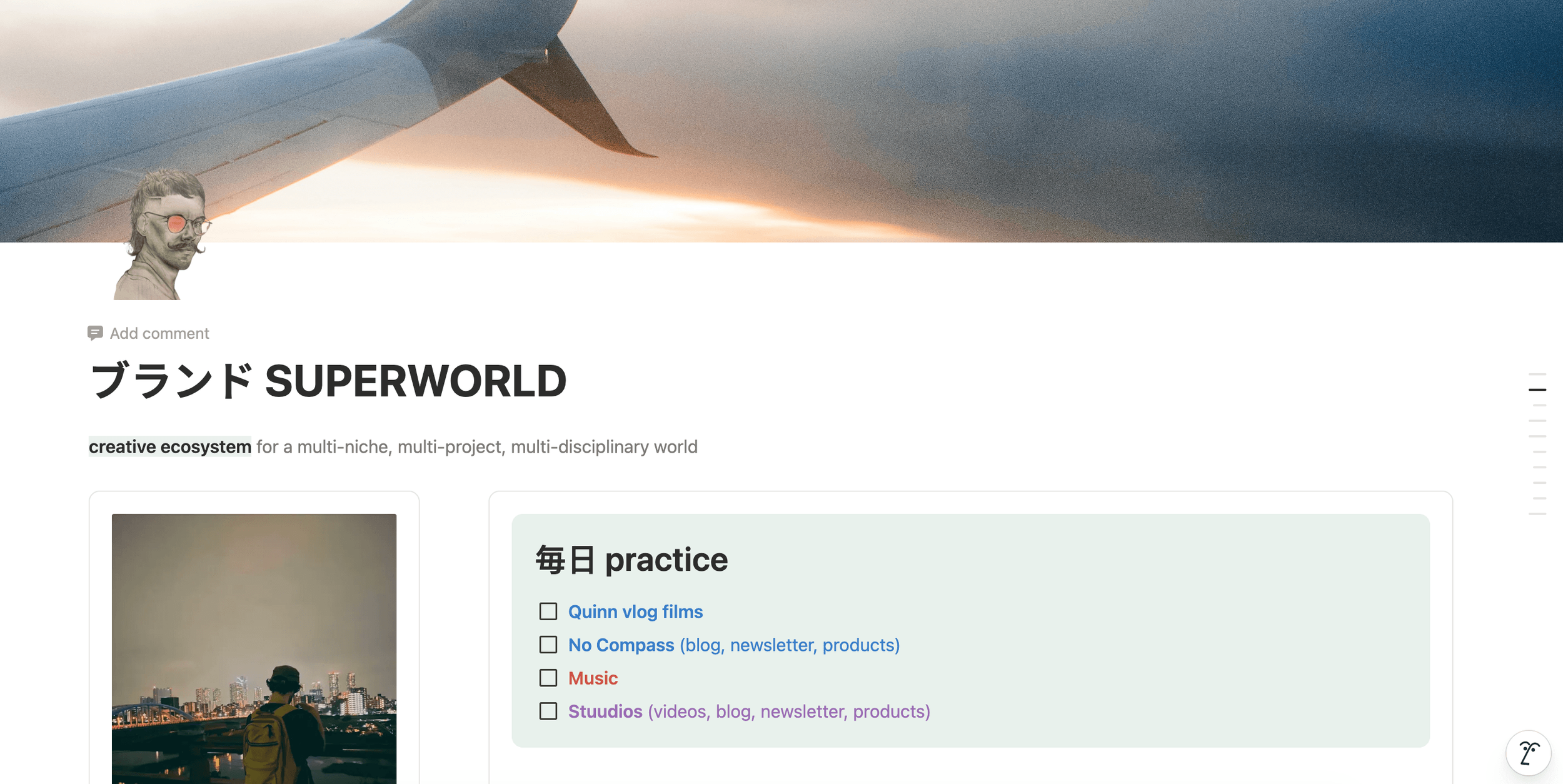
(I pretend to practice Japanese here lol…reads: Brand Superworld + Everyday Practice)
Organization and planning are essential components of creativity.
So for these things, I usually turn to Notion.
Notion is a platform for managing, organizing and planning your creative projects, tasks and goals.
It’s quickly become a leader in the creative space and is used by artists and creators globally.
Why Notion Helps Creativity
Building more creative discipline
Organize your projects into a central hub
Add collaborators and improve your creative planning
Tracking your productivity and progress for creative projects and goals
Use as an accountability tool for working towards and reaching goals
Price of Notion (free plan)
You can get access to Notion’s powerful features for free. There are of course upgrade options, but if you’d like to just test it out, you’ve got nothing to lose.
Grab a free Notion account here!
7. Craft-Specific Tools
Every creator has their own kit.
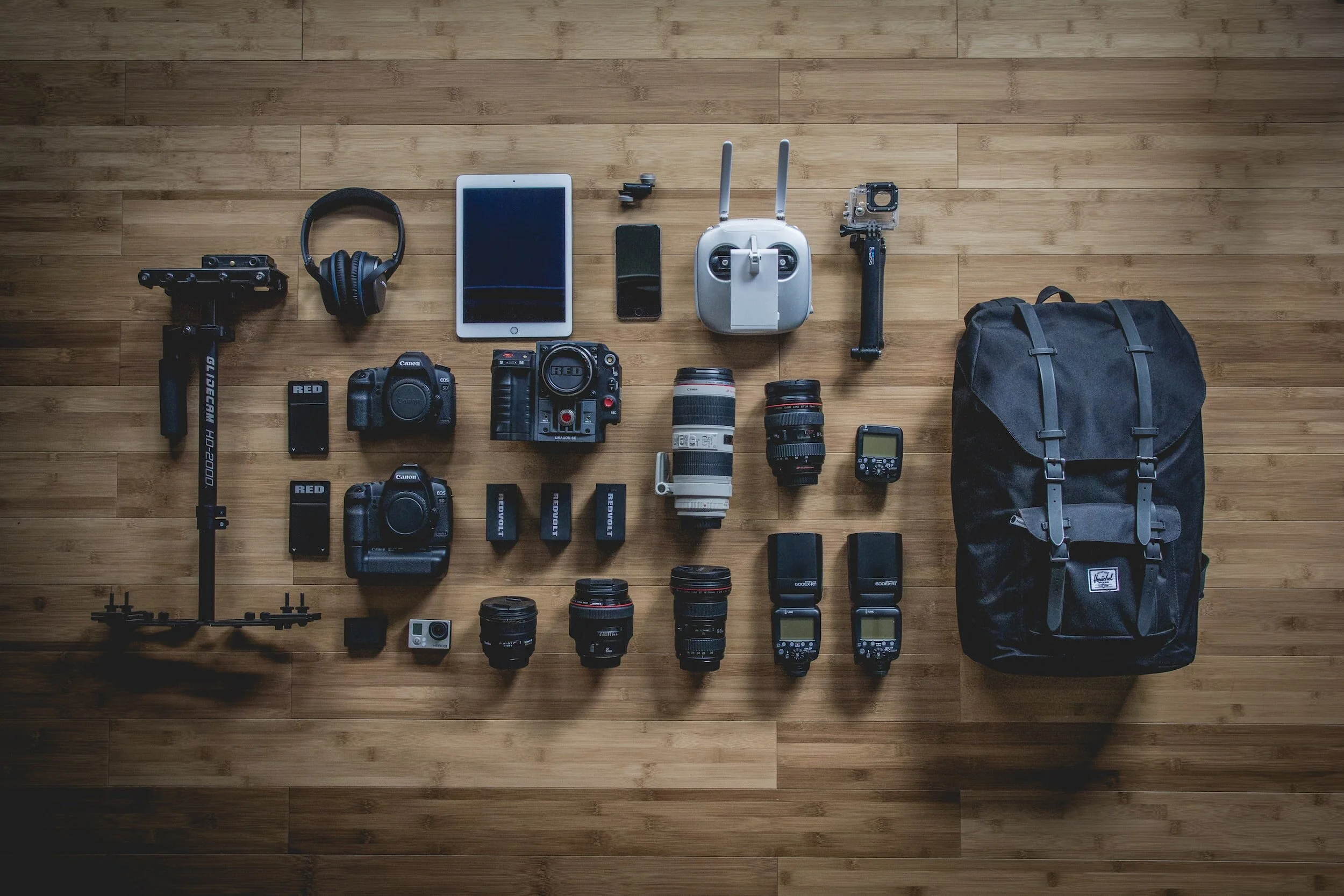
We all have our own collection of craft-specific tools.
Most of the tools on this list can be used by everyone, regardless of your thing. But this one is all about your specific needs.
I mean, if you’re a photographer, you probably don’t need art easels and canvases.
Here’s what’s in my creative bag:
Music stuff
Travel-sized acoustic guitar
All of my music production equipment
Logic Pro (my music production software)
Random plugins and tools for production
Filmmaking stuff
DaVinci Resolve (CapCut for vertical)
Smartphone (iPhone 12 Pro Max…oh yea, going on 7 years lol)
Other stuff
Squarespace
Canva (designs)
Sketchbook app (like a cheaper version of Procreate)
8. Social Media Stuff
Social media is…helpful to grow.

Love it or hate it, social media is pretty much a must for modern creatives looking to build something online.
It’s currently the best way to build a creative brand and grow online. But it’s also a great for connecting with your audience.
Choosing at least one social media platform to focus on and share your creative work is a smart move for the modern creative. Personally, I like YouTube.
Social media tools can help you create, schedule, post and manage your content better.
Why A Social Media Tools Are Great for Creatives
Publish posts in bulk to save time
Automate your posts and create a more efficient workflow
Use templates to save time and work through creative blocks
Improve the efficiency of your social strategy
Be more consistent with posting
Price of Social Media Tools (free options)
There are plenty of free social media tools, such as CapCut and the actual platforms themselves.
To be honest, I don’t really use any. I mainly post on YouTube and I don’t use any schedulers.
9. Asset Libraries
Asset libraries unlock awesome image, video and graphic creatives.

Image source: https://artlist.io
As creatives, we’re usually juggling a variety of projects, tasks and pursuits.
So why not get some help? That’s where asset libraries come into play.
Asset libraries are platforms (usually subscription-based, but also free) that give you royalty-free access to a variety of creatives, which you can use in any way.
For example, you can find professional quality stock footage or b-roll for films, sound effects and noises, artistic photos and images and much more. Some examples include:
Asset libraries are like having your own creative assistant (and there’s no shame in streamlining your processes).
As creatives, there’s a myth that we need to do everything, all the time, from scratch. Either you’re an artisan through and through or nothing.
But this is false thinking and leads to things like creative burnout and creative anxiety.
So I say, embrace and use these asset libraries.
Why Asset Libraries Support Creativity
Unlock more focus time for your core creative expertise
Improve organization
Save time
Spark inspiration
Boost the scope of your projects and/or your creativity
Get more done
Price of Asset Libraries (free options)
A lot of stock assets are free and many platforms have free plans or free trials.
But of course, the higher quality, premium stuff will cost you. Still, they’re usually relatively affordable and totally worth it for elevating your projects and saving time.
10. Business Tools
These are things you’ll need to turn your expertise into a creative business.
This section includes my favorite business tools helpful for managing and growing a creative business.
These tools are my top picks for creative entrepreneurship:
A website
Again, this is your main hub, a digital address
Toggl has three core products, but ToggleTrack is their free time-tracking tool
Newsletter + email software
Beehiv (free) — a powerful newsletter platform focused on growth and simplicity (my favorite)
Substack (free) — a simple newsletter builder; free but 10% fee for any membership revenue
Kit (free) — more e-commerce focused and can make landing pages
Google Analytics + Search Console
Connects with your website and lets you monitoring website traffic, keywords and blog growth
An accounting and bookkeeping software
An Online Shop
Beside your main website store, Gumroad and Stan Store are popular options
Why Business Tools Are Essential for Creatives
Tracking your time and expenses so you get paid what you deserve
Keeping your tax information organized
For growing a successful online creative business
Price of Business Tools (free options)
All of the tools I mentioned above have free plans.
Of course, there are upgrades available depending on your needs and preferences. But as you grow, you’ll probably need to upgrade your plan (which is exciting, because growth!).
Want More? Nice. Here’s More.

Freaking ai…